MCP connector
Run Genna from inside your AI assistant.
Connect Genna to Claude, to ChatGPT or to any AI tool that speaks MCP. Ask for a carousel in the chat and it comes back done: written, designed, scheduled and published, without you leaving the conversation.
Add the Genna plugin to ChatGPT
In Settings → Security and login, turn on Developer mode. Then go to Plugins → Explore plugins, click +, name it Genna and paste the URL above into Connection.
Genna server URL
https://mcp.genna.co Connect and start creating
Click Sign in with Genna, approve the permissions, and ask for your first post right in the chat.
Open ChatGPT with this promptAdd Genna as a connector in Claude
In Claude, open Settings → Connectors → Add custom connector and paste the URL above.
Genna server URL
https://mcp.genna.co Connect and start creating
Sign in with your Genna account, approve the permissions, and ask for your first post right in the chat.
Open Claude with this promptAdd Genna to OpenClaw
Paste the URL above into your MCP server settings and save.
Genna server URL
https://mcp.genna.co Connect and start creating
Sign in with your Genna account on the authorization screen, approve the permissions, and start asking.
Paste the URL into your MCP settings
Any tool with remote connector support accepts the address above, no separate API key needed.
Genna server URL
https://mcp.genna.co Connect and start creating
Secure sign-in (OAuth) runs automatically on first use. Approve the permissions and start asking.
Open CursorPaste the URL into your MCP settings
Any tool with remote connector support accepts the address above, no separate API key needed.
Genna server URL
https://mcp.genna.co Connect and start creating
Secure sign-in (OAuth) runs automatically on first use. Approve the permissions and start asking.
Open GitHub CopilotPaste the URL into your MCP settings
Any tool with remote connector support accepts the address above, no separate API key needed.
Genna server URL
https://mcp.genna.co Connect and start creating
Secure sign-in (OAuth) runs automatically on first use. Approve the permissions and start asking.
Open GeminiPaste the URL into your MCP settings
Any tool with remote connector support accepts the address above, no separate API key needed.
Genna server URL
https://mcp.genna.co Connect and start creating
Secure sign-in (OAuth) runs automatically on first use. Approve the permissions and start asking.
Works in any MCP-compatible client.
Use cases
You ask in the chat. Genna does the work.
Mention Genna and say what you want. Everything below happens without leaving the conversation, and nothing reaches a social network before you approve it.
@Genna create 3 carousels about what is trending in my niche
I pull the news radar for your niche, pick the three topics with the most traction, and build each carousel in the format that earns the most saves on your profile.
 Genna
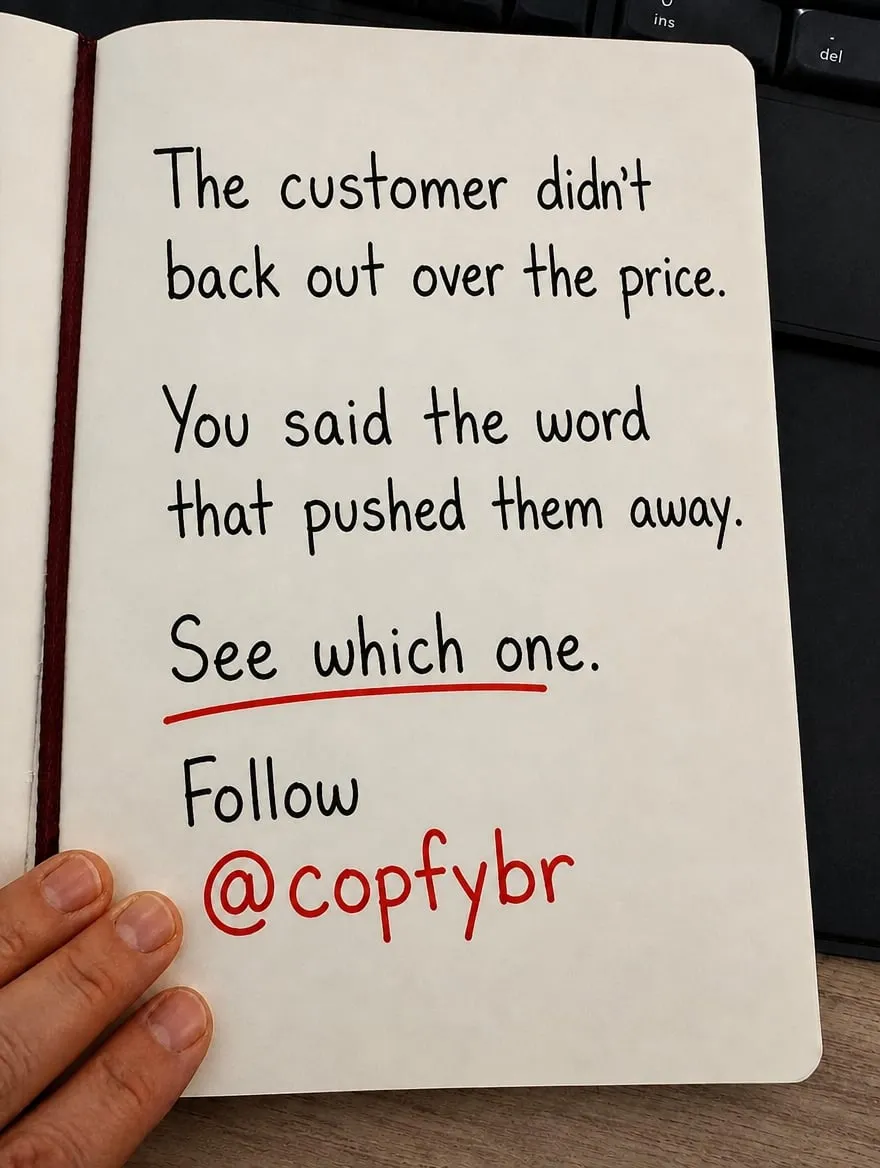
Genna 3 carousels drafted: copy and design ready. You review them, ask for changes, and decide whether to schedule or publish.


-
@Genna recommend the formats that work best in my niche
Crosses the winning formats with what already performed on your profile, and explains why each one works.
-
@Genna build an interactive visual dashboard with the data from profile @xyz
Reads the analytics of the connected page (reach, saves, follower growth) and assembles the panel right in the chat.
-
@Genna turn these 3 photos from the event into a carousel and schedule it for tomorrow at 9am
Uploads the images to your gallery, writes the caption, and leaves the post scheduled on the channel you pick.
-
@Genna make slide 2 warmer and remove the text overlay
Re-renders that single slide with the adjustment, without redoing the whole post.
-
@Genna how did my last 10 posts perform, and which format had the best save rate?
Returns performance post by post and points out the format worth repeating.
-
@Genna what is blowing up in my niche today?
Brings the industry news radar and suggests a post angle for each story.
-
@Genna learn the format of this post and save it to my library
Breaks down the structure of the reference post and turns it into a reusable format for your brands.
-
@Genna follow @profile as a reference and tell me what they do differently
Adds the account to your reference library and summarizes its content pattern.
-
@Genna publish it now on Instagram and LinkedIn
Asks for your confirmation and publishes to the connected accounts, only with the publish permission granted.
You stay in control
Drafts first
Creating a post produces a draft inside your Genna workspace. Nothing is posted anywhere on its own.
Your approval
Content reaches a social network only when you explicitly ask to publish or schedule it.
Separate permission
Publishing requires the mcp:publish permission, which you grant or withhold when you connect.
Your accounts only
The connector acts only on the brands in your workspace and the accounts you have connected.
Ready to connect?
Using the connector requires a Genna account. Create yours and connect in under a minute.
Create my Genna account